Image Size & Crop
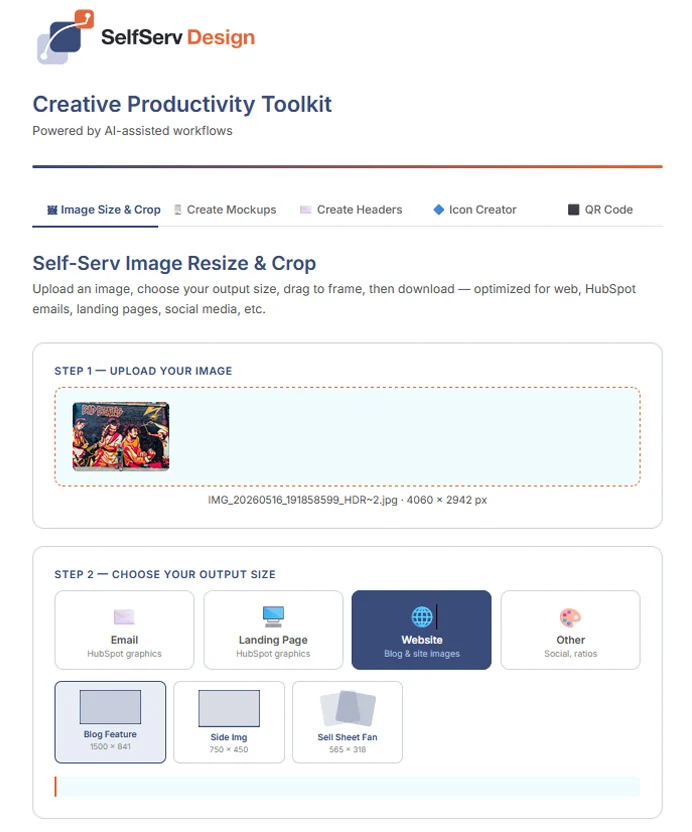
Upload your artwork, choose a size, and frame it to fit. Prepare images for the places you publish.
FIVE TOOLS. ONE CREATIVE WORKSPACE.
From a perfectly sized image to a polished device mockup. Get everyday creative work done with a toolkit built to keep you moving.
Explore freely. Downloads are available in the full version.
A LOOK INSIDE YOUR WORKSPACE
LESS SETUP. MORE CREATING.
Build assets for emails, websites, presentations, social posts, and more—all in your browser.
Upload your artwork, choose a size, and frame it to fit. Prepare images for the places you publish.
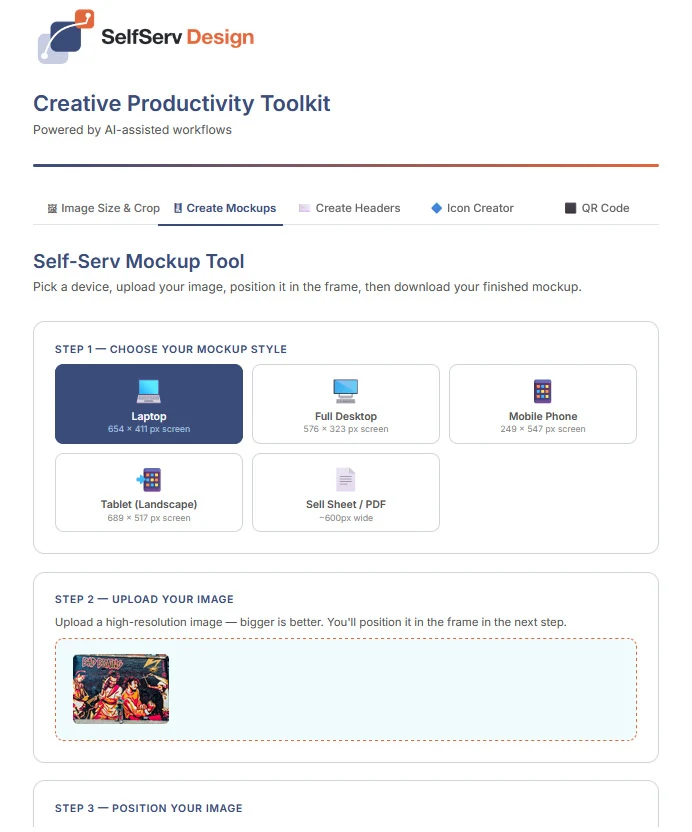
Show your work on a phone, tablet, laptop, or desktop. Position your image and preview the finished presentation.
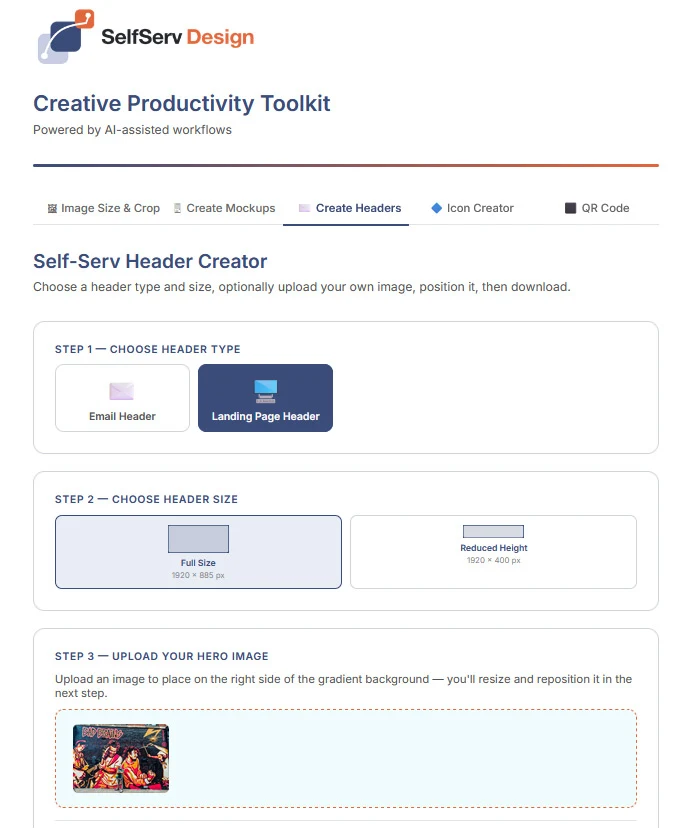
Give your emails and pages a visual starting point. Choose a header style and size, then make it your own.
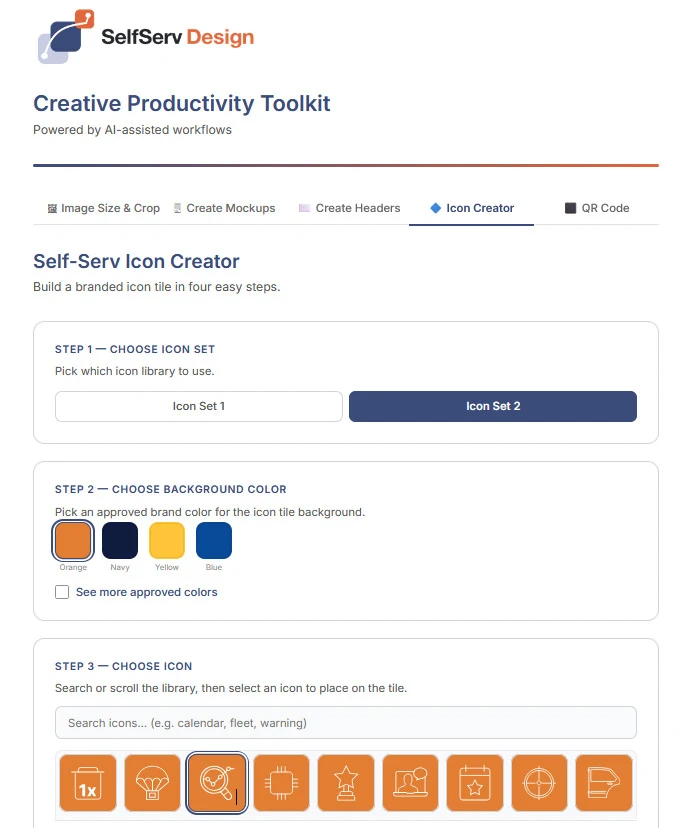
Choose an icon, adjust its color, and select a shape and size. Create a consistent look across your materials.
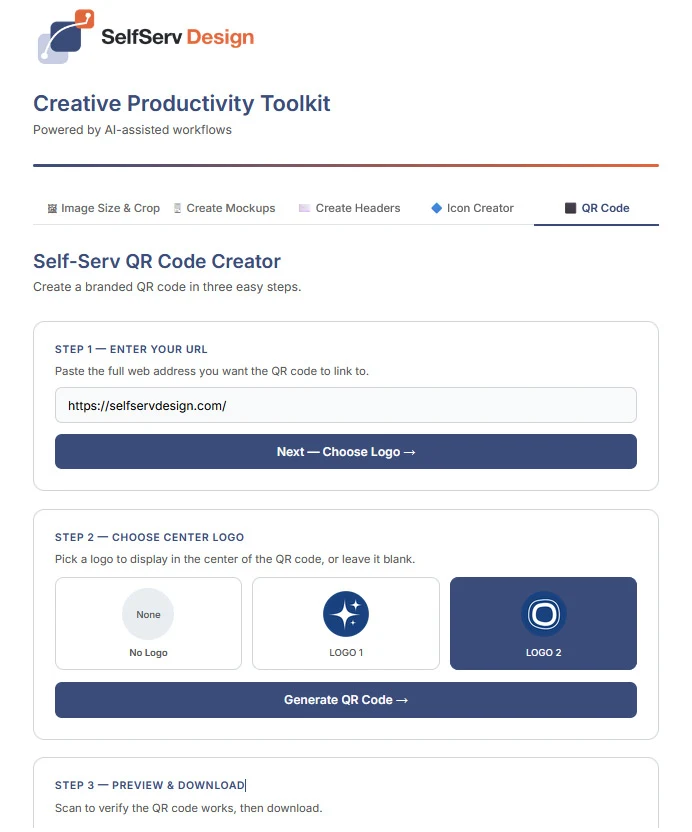
Turn a web address into a QR code. Customize the presentation, preview it, and scan to check your destination.
Useful for event materials, printed handouts, signage, and more.
MAKE IT YOUR WORKSPACE
The demo lets you explore the tools and preview your work. Ready to create downloadable assets? Contact us for full access.
Already have an account? Log in